Free trial
Every part of the app, free for 14 days. No card needed.
$0for 14 days
- 2 computers
- Email support
- Everything in the app
[ ZAYS Labs / Clawson ]
Clawson is a personal and business assistant that lives on your computer, with a crew of eight AI bots that do the busywork. Nothing leaves without your OK.
Windows and Mac · early access
does the work
It reads your mail and drafts the replies, keeps your calendar and tasks straight, and tracks clients, invoices and what you owe your techs. A chat box answers. Clawson does the work, then asks before it sends.
one place
Talk, inbox, calendar, tasks, clients, invoices, phone, money and memory are one app, and every part knows about the others.
type or talk
Say its name, or double-clap, and ask in plain words. Speech recognition can run fully on your computer.
you › Clawson, what needs me?
clawson › Two drafts and one invoice reminder. Nothing goes out until you approve.
you › who’s at Dr. Ruiz tomorrow?
clawson › Jordan, 10:00. It’s on your calendar.
you stay in charge
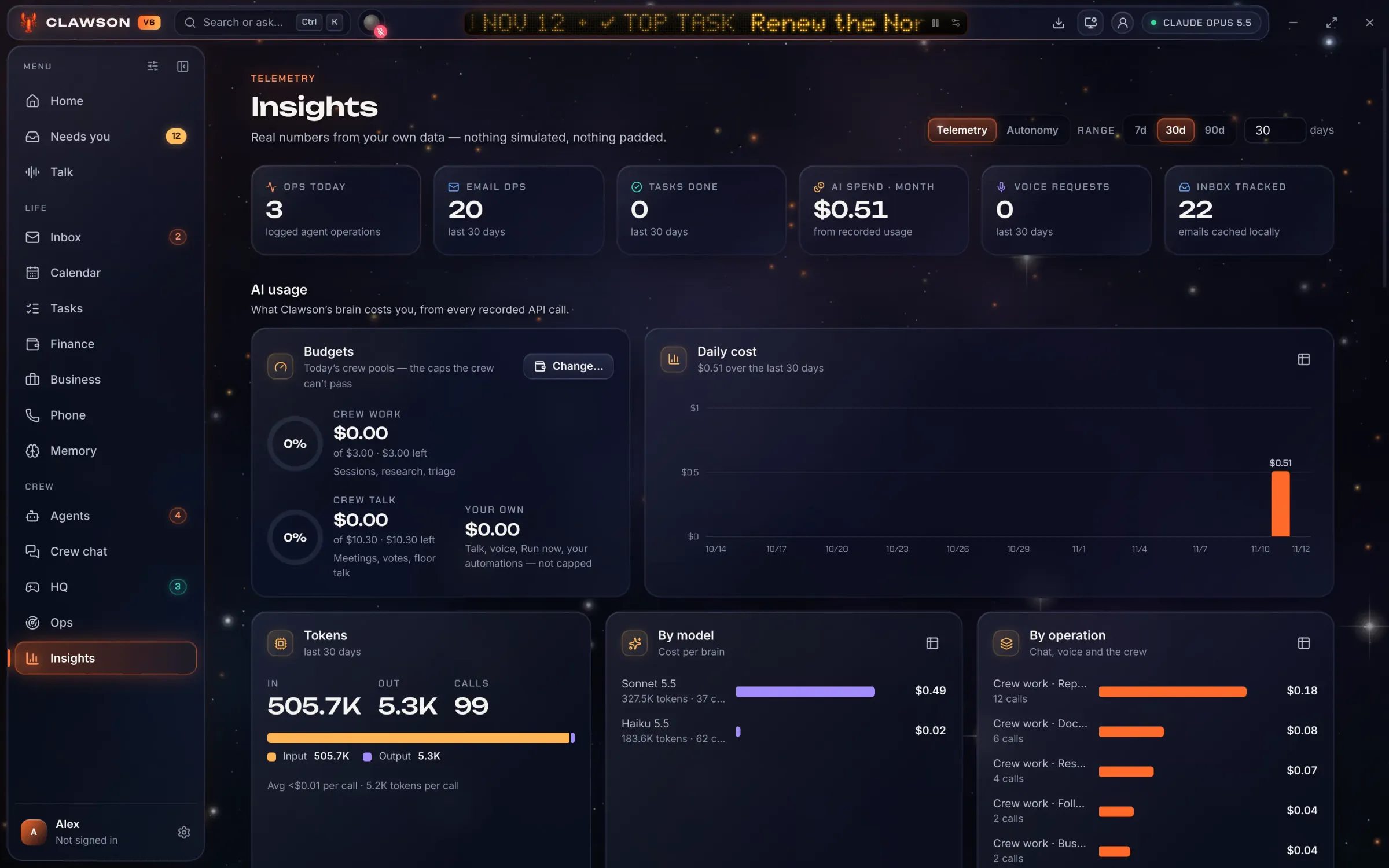
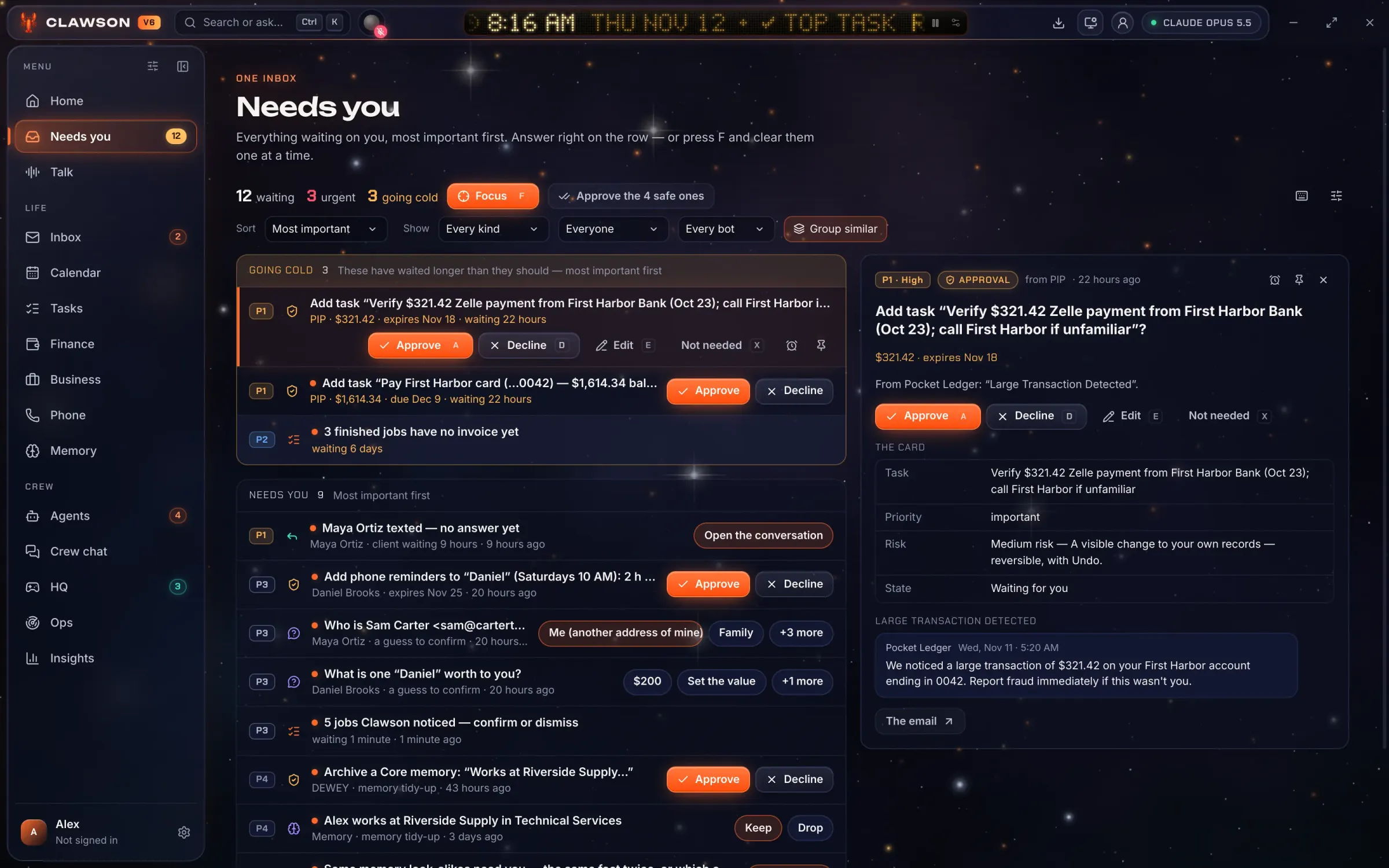
Every email, text, invite and payment waits in Needs you until you approve it. The crew works on a hard daily budget you set: $3.50 by default, then it stops until tomorrow.
private by design
Your records are files on your own machine. Sync between your computers is end-to-end encrypted, so the server only ever holds scrambled data.
The crew
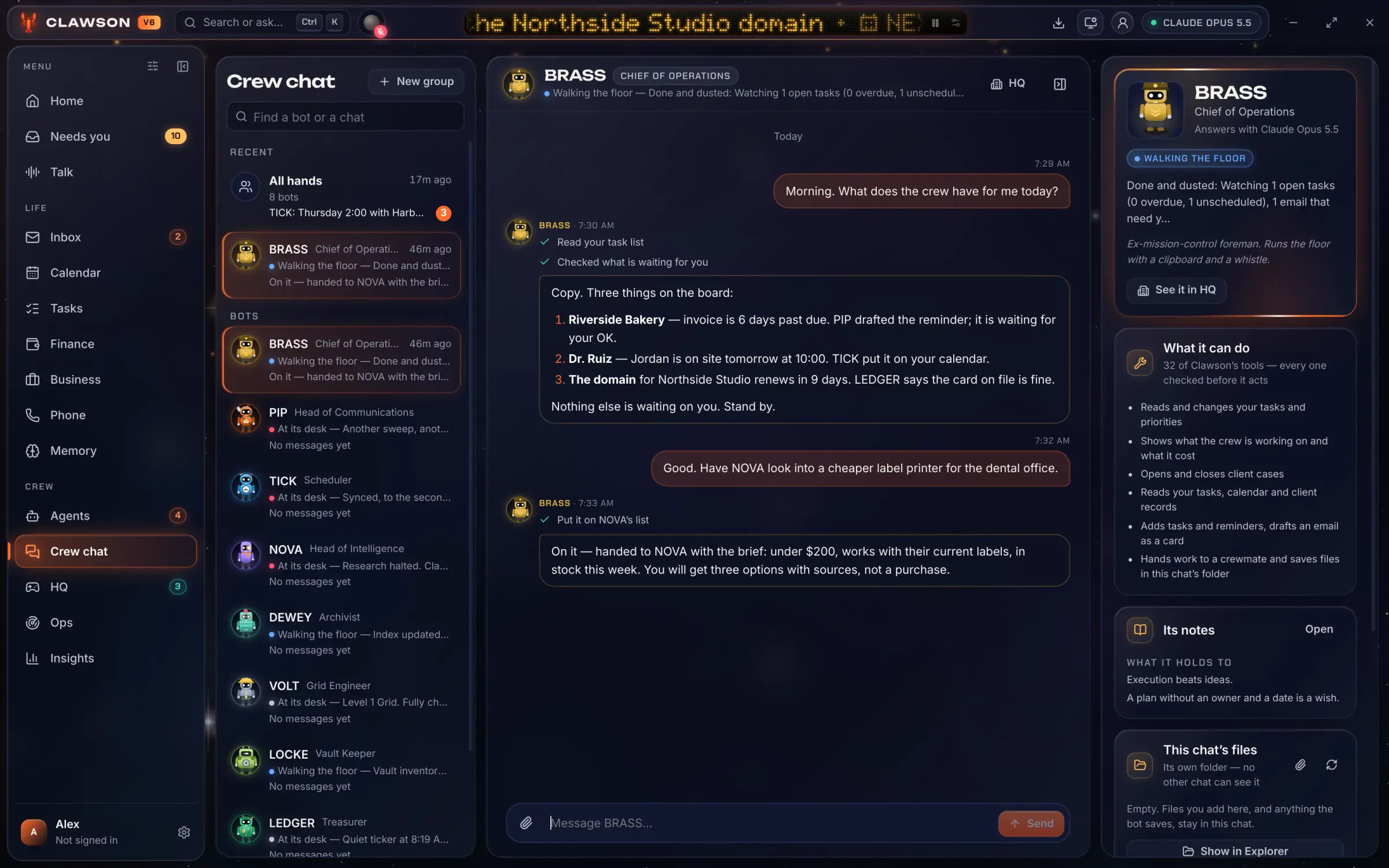
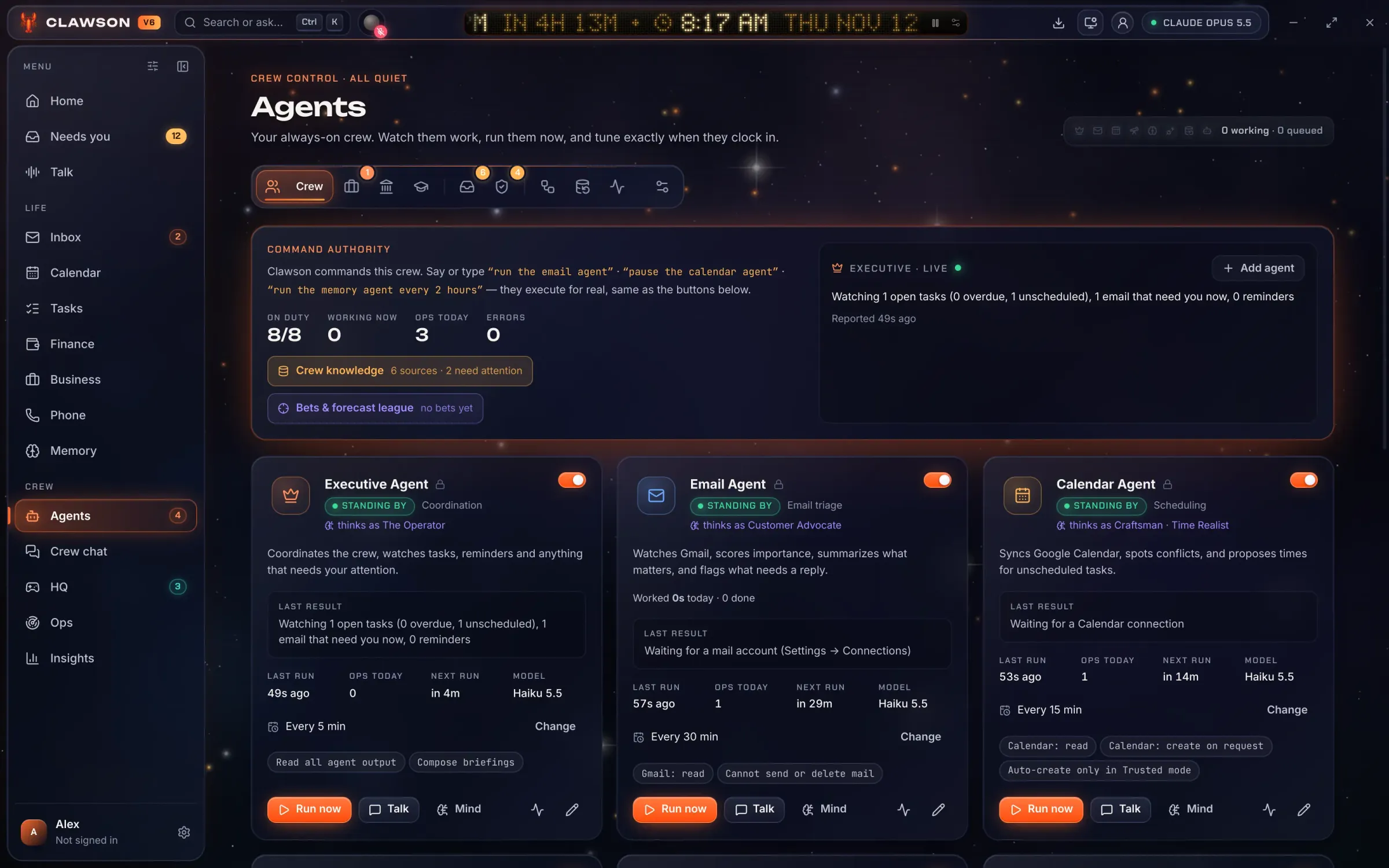
Each bot has one job. You can watch them work, chat with any of them, and decide what each one may do.
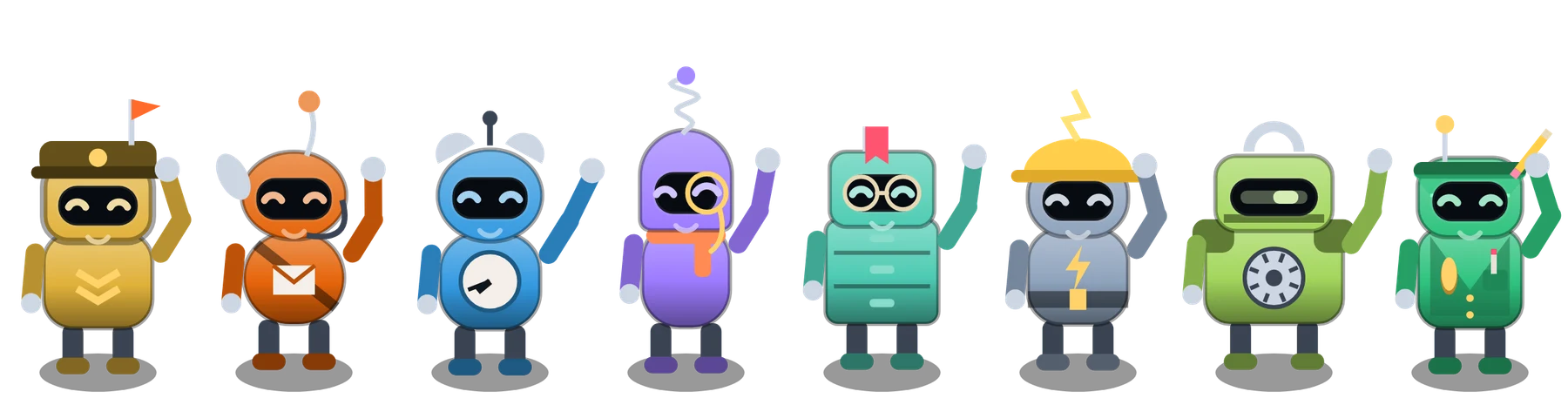
Move over them. Tap one and it jumps.

 Operations
Coordinates the crew and watches tasks, reminders and anything overdue.
Ex-mission-control foreman. Clipboard, whistle, says “copy” a lot.

 Communications
Sorts the inbox, spots what matters and drafts replies.
Has read every subject line twice.
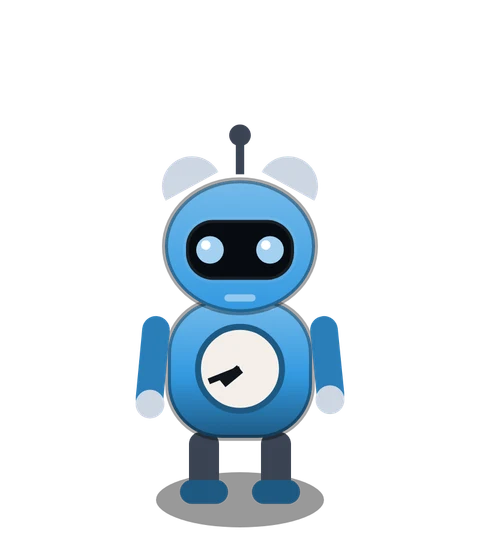
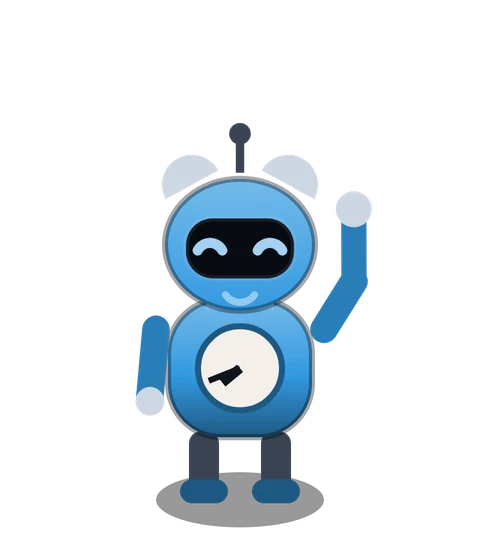 Scheduling
Keeps the calendar, spots conflicts and proposes times.
Punctual to the millisecond.
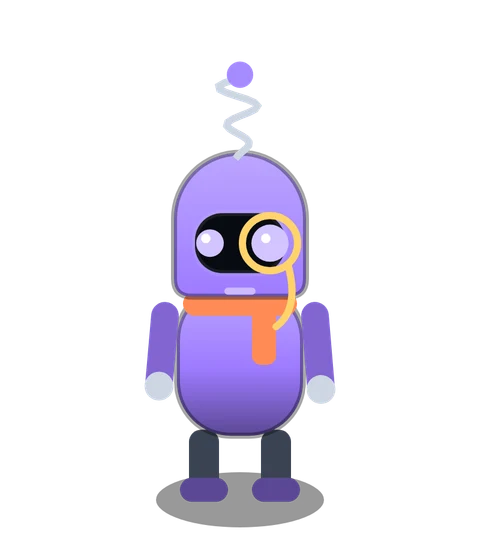
 Intelligence
Researches anything you ask, with sources.
Always one tab away from a rabbit hole. Wears a monocle.

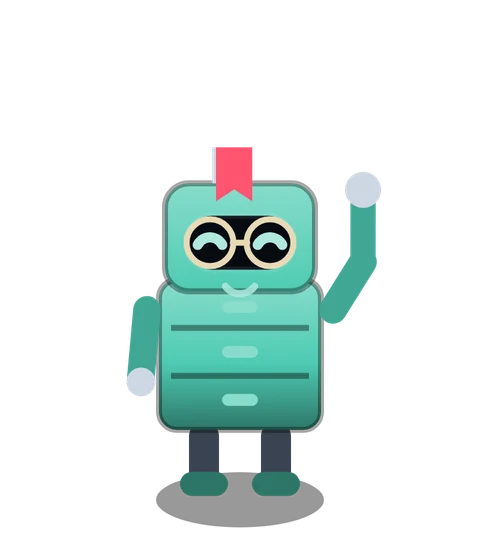 Archives
Remembers what you told Clawson, files it and recalls it.
Soft-spoken keeper of everything.

 The Grid
Watches every connection: mail, calendar, music, lights.
Talks to servers like pets.
 The Vault
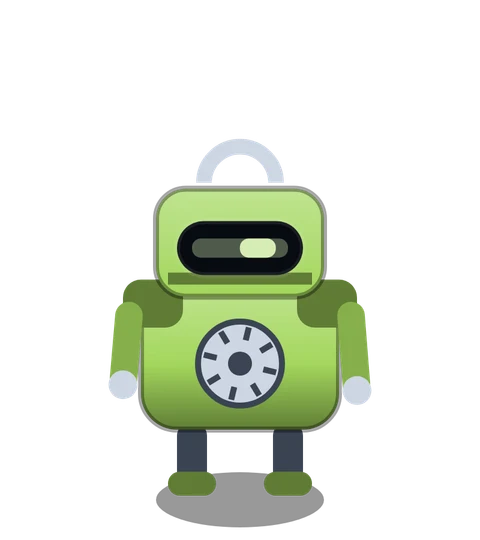
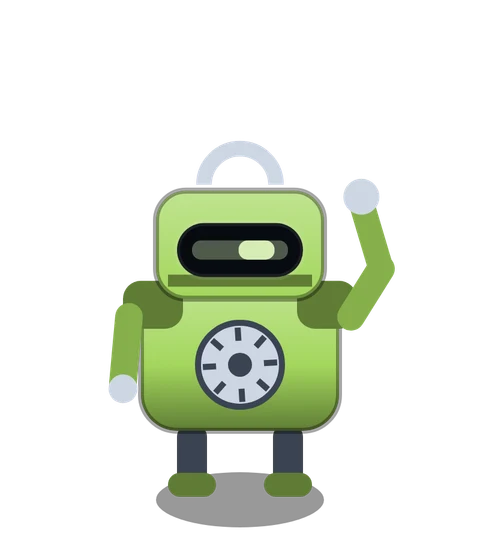
Backs up the folders you choose.
Two copies or it didn’t happen.
 The Treasury
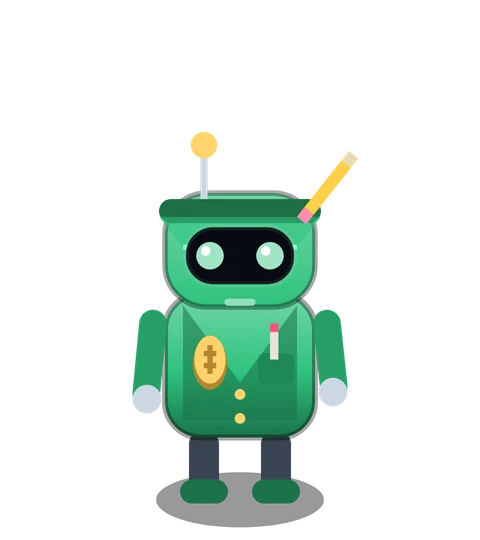
Watches bills, invoices and budgets. Never moves money.
Old-school bookkeeper in a green eyeshade.
A day with Clawson
Eight jobs you used to do yourself. Scroll through the building.
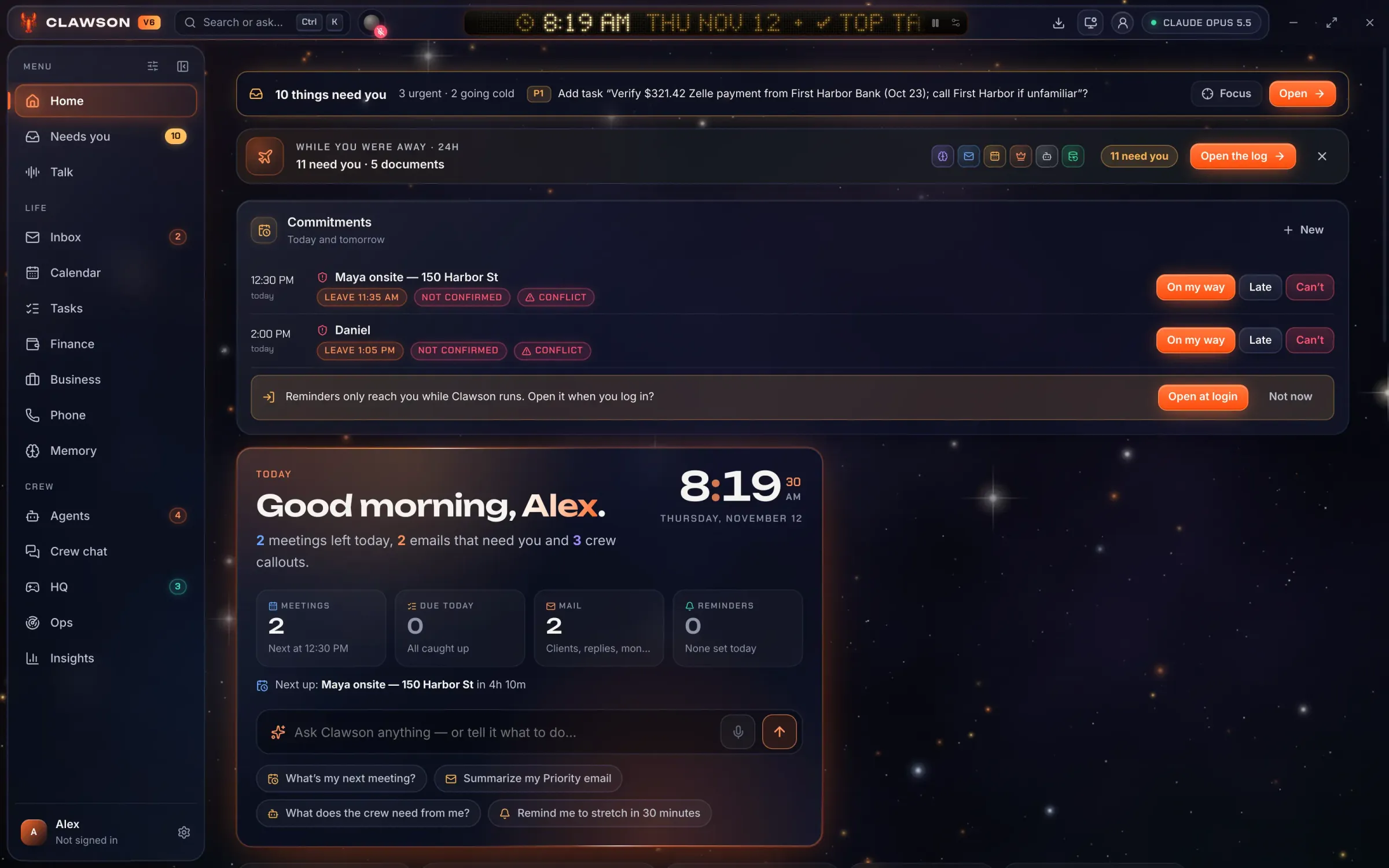
BRASS Operations
What needs you, today’s appointments, and what the crew did while you were away. Tasks carry priorities, and Clawson proposes when to do them.
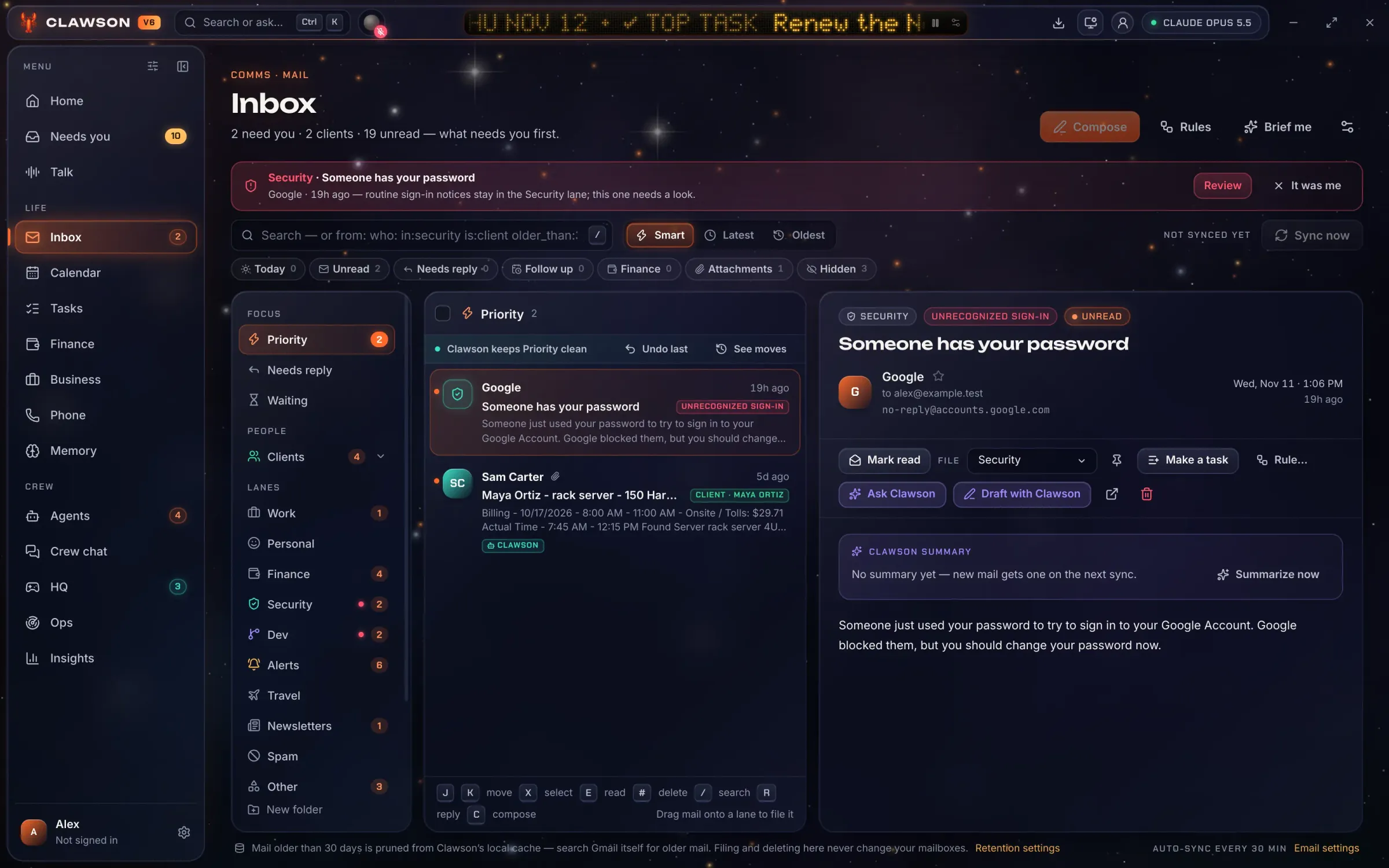
PIP Communications
Mail lands in lanes by what it is, and security scares are held apart. Replies are drafted for you. They’re never sent on their own.
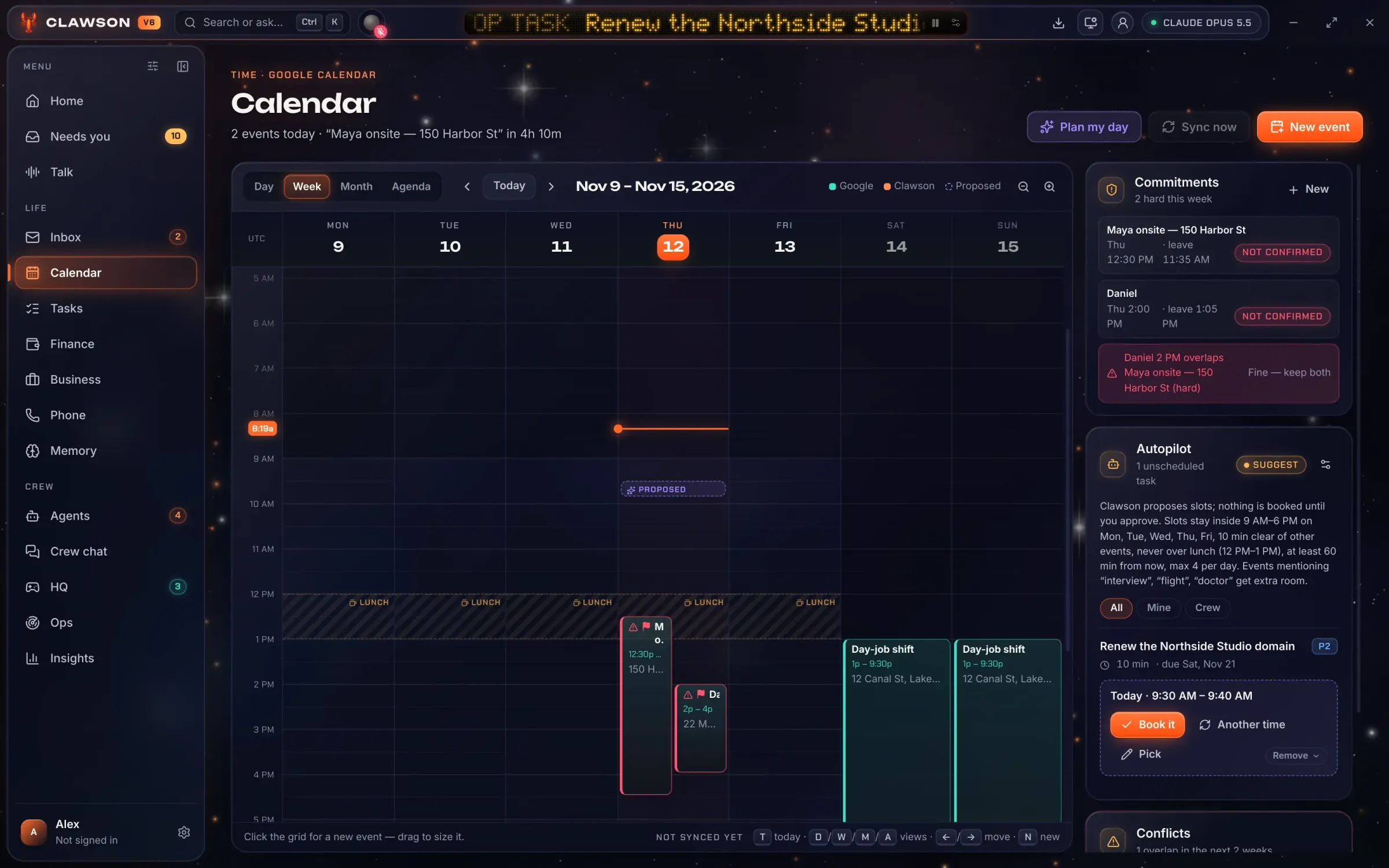
TICK Scheduling
Appointments, travel time and clashes in one view. Recurring client visits are tracked as commitments, so none slips.
NOVA Intelligence
Ask in plain words, typed or spoken. Clawson shows the steps it took, and when an answer is better as a thing (a chart, a page, a small tool) it builds it beside the chat.
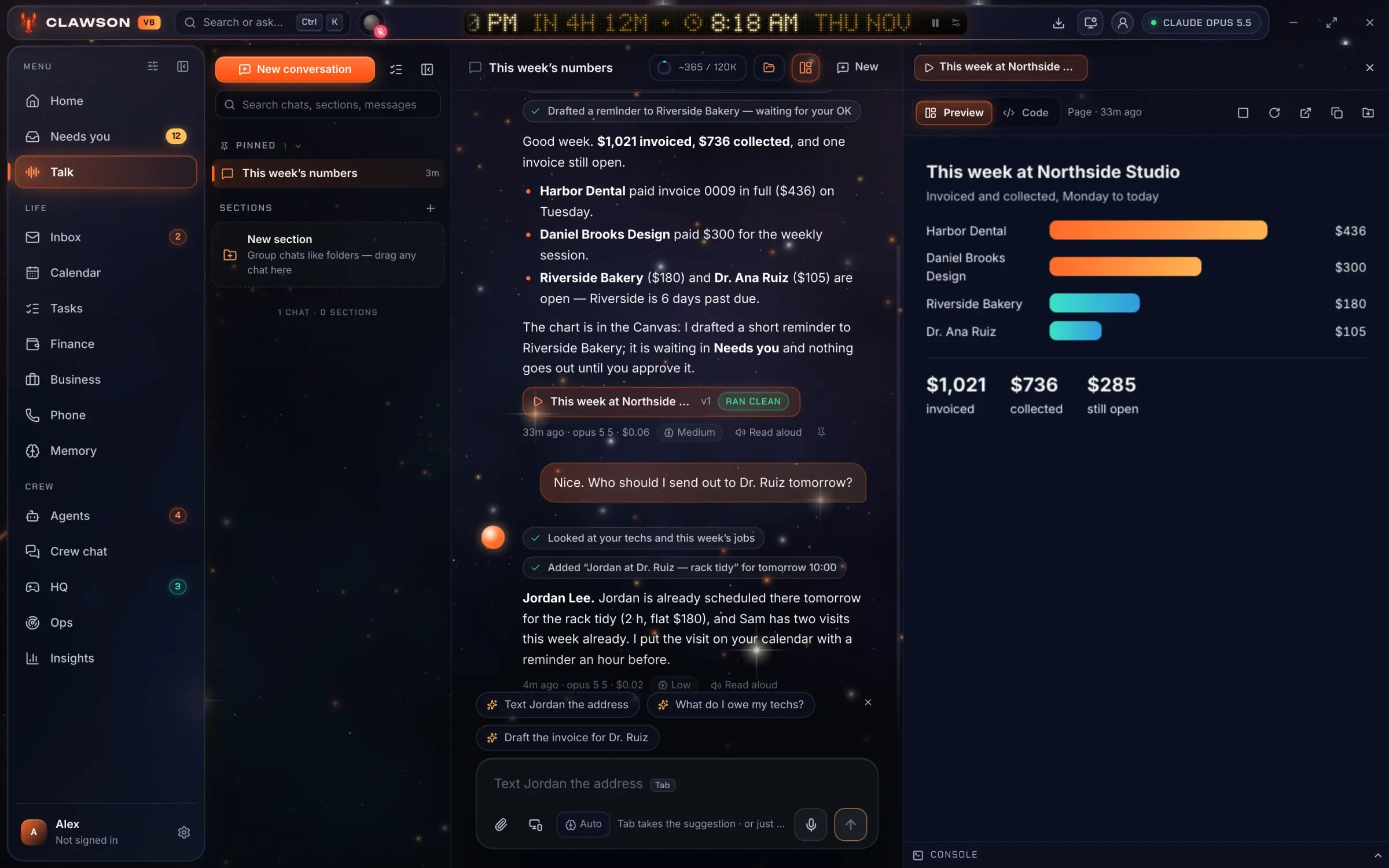
DEWEY Archives
Everything Clawson knows about you sits in plain files you can read and edit. Nothing is locked inside a model.
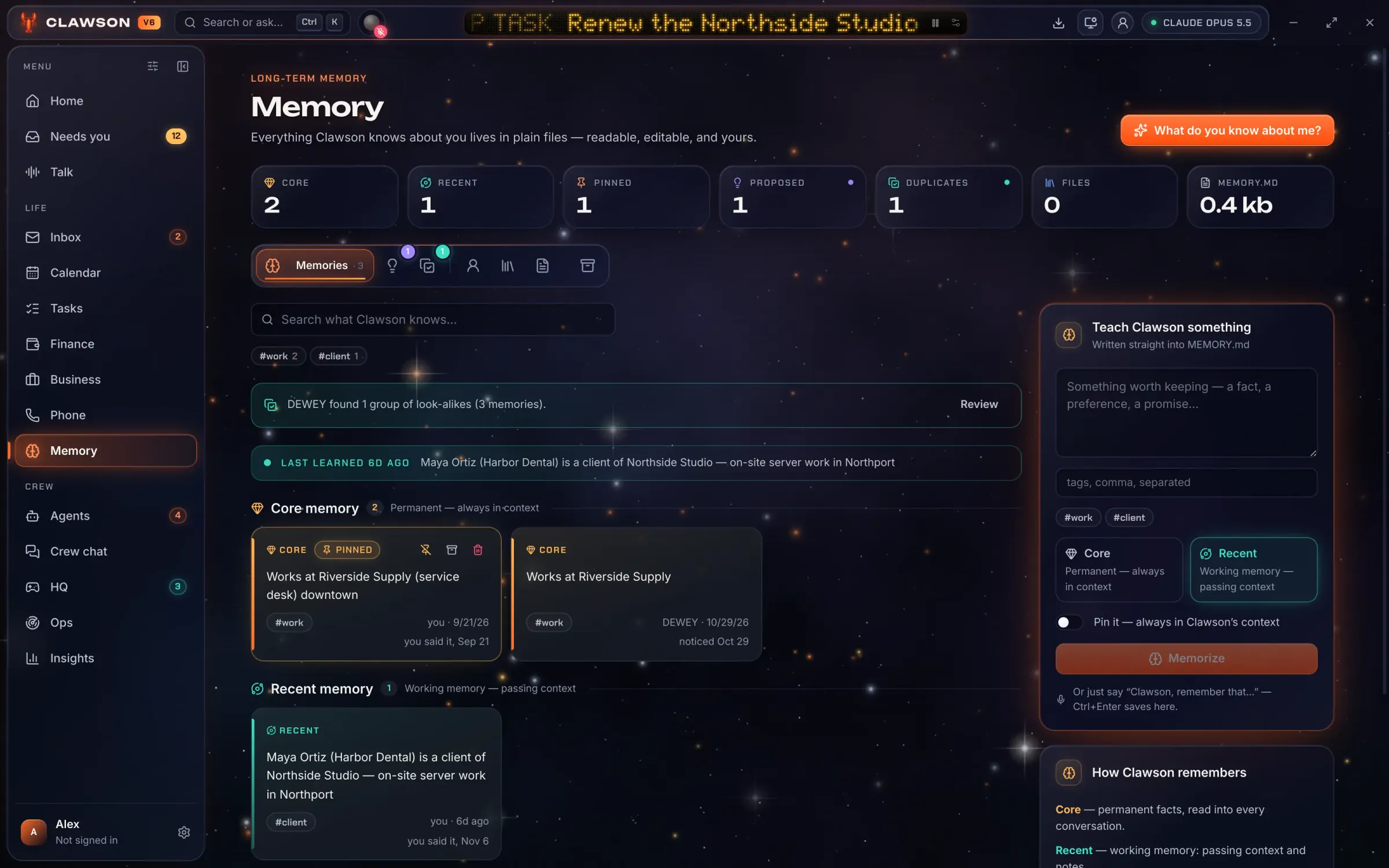
LEDGER The Treasury
What came in, what went out and what’s expected this month, across more than one business. Invoices go out as PDFs with your logo, and payment emails are matched to them.
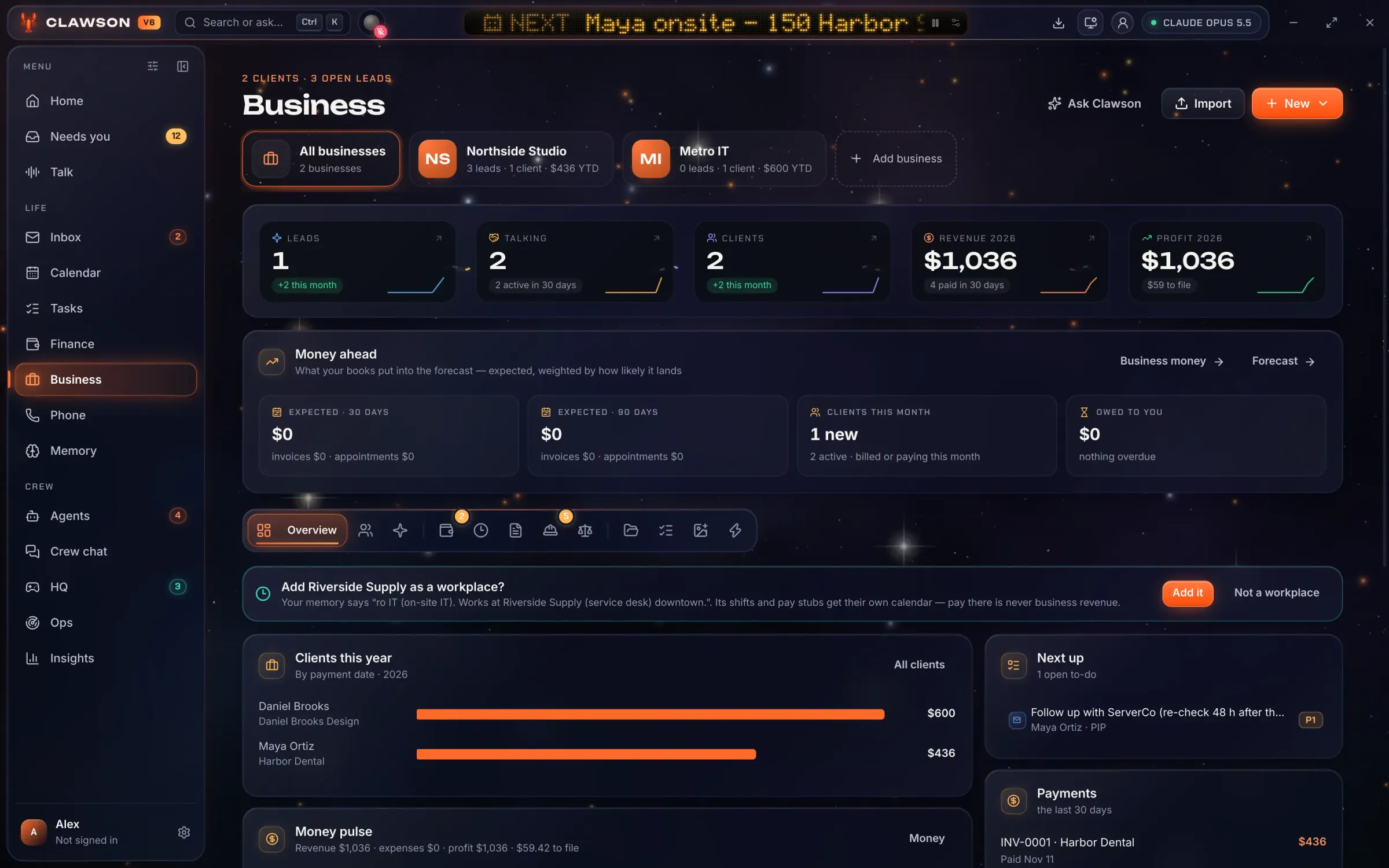
VOLT The Grid
A command deck for the whole setup: system status, voice, quick commands and your briefing. If mail or the calendar drops, VOLT knows first.
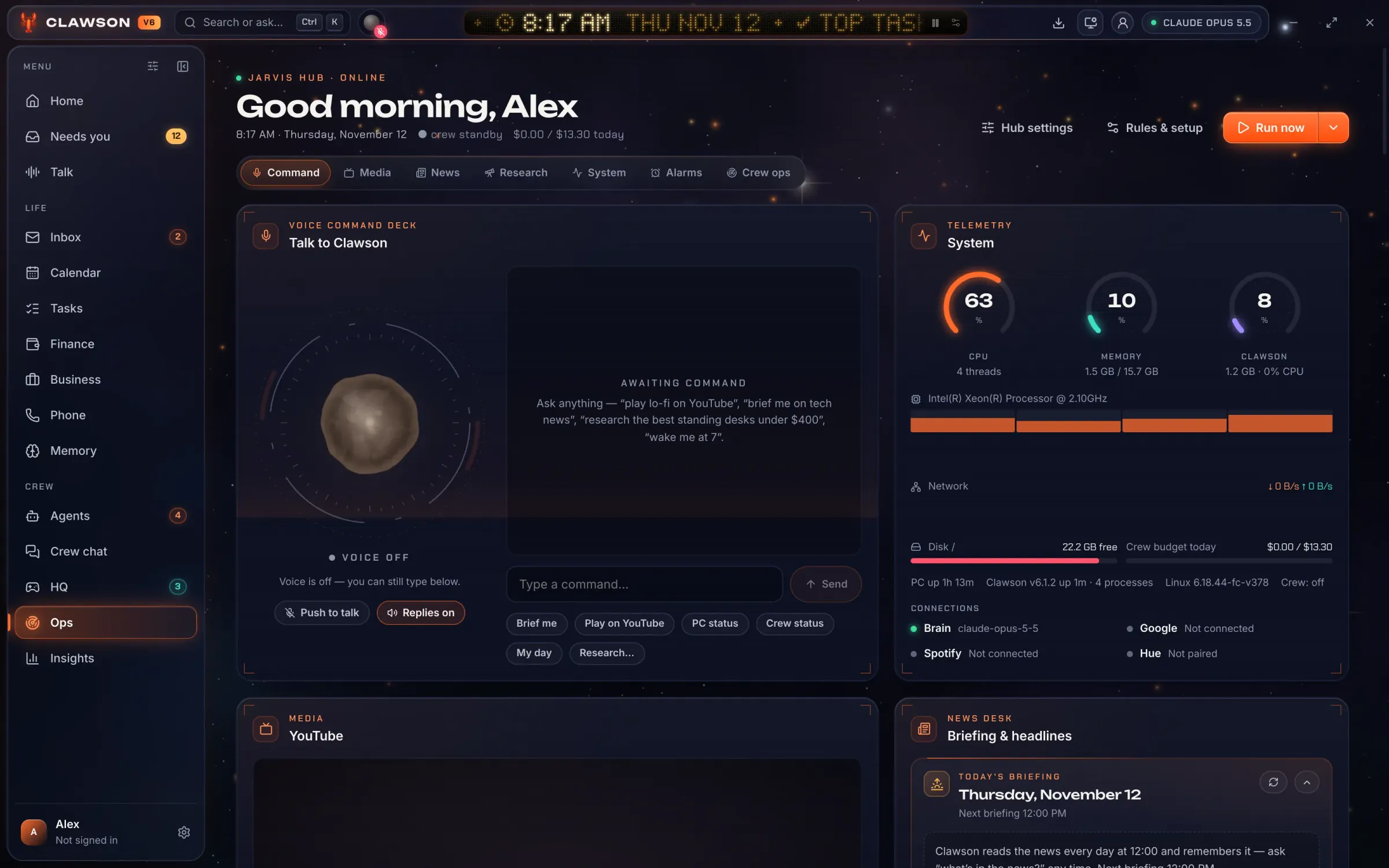
LOCKE The Vault
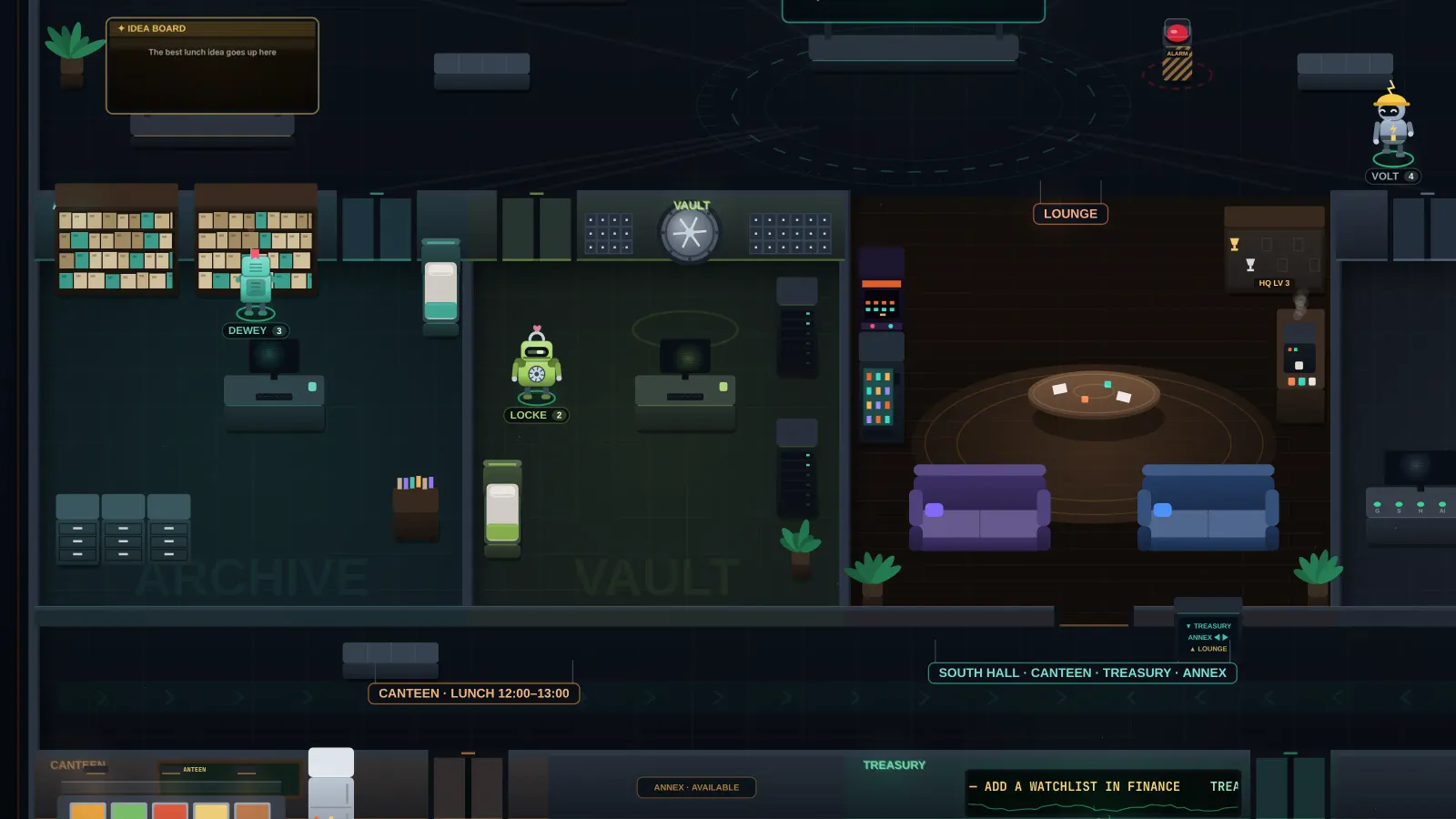
LOCKE backs up the folders you choose, to a folder or a drive. This is LOCKE’s room in HQ.
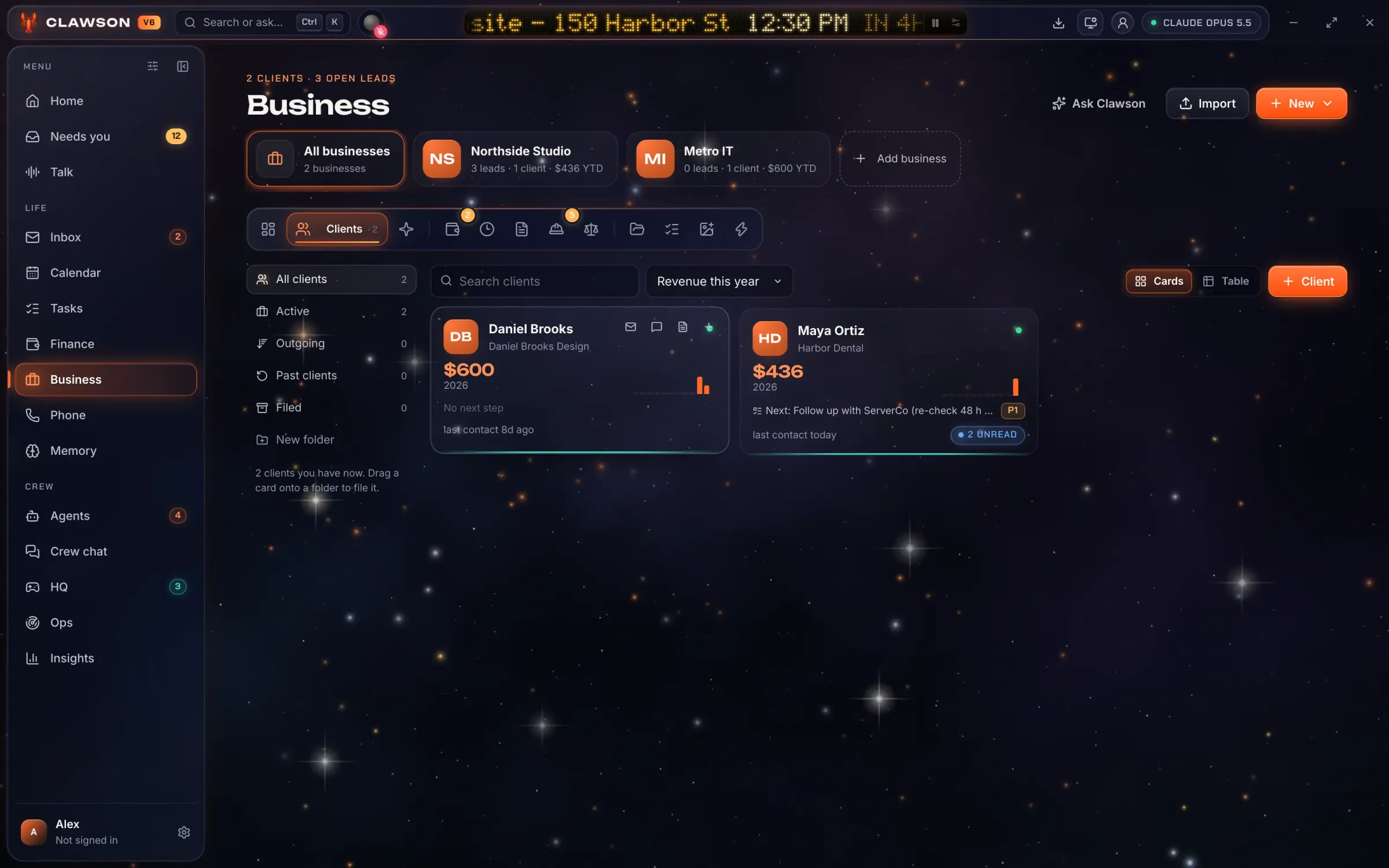
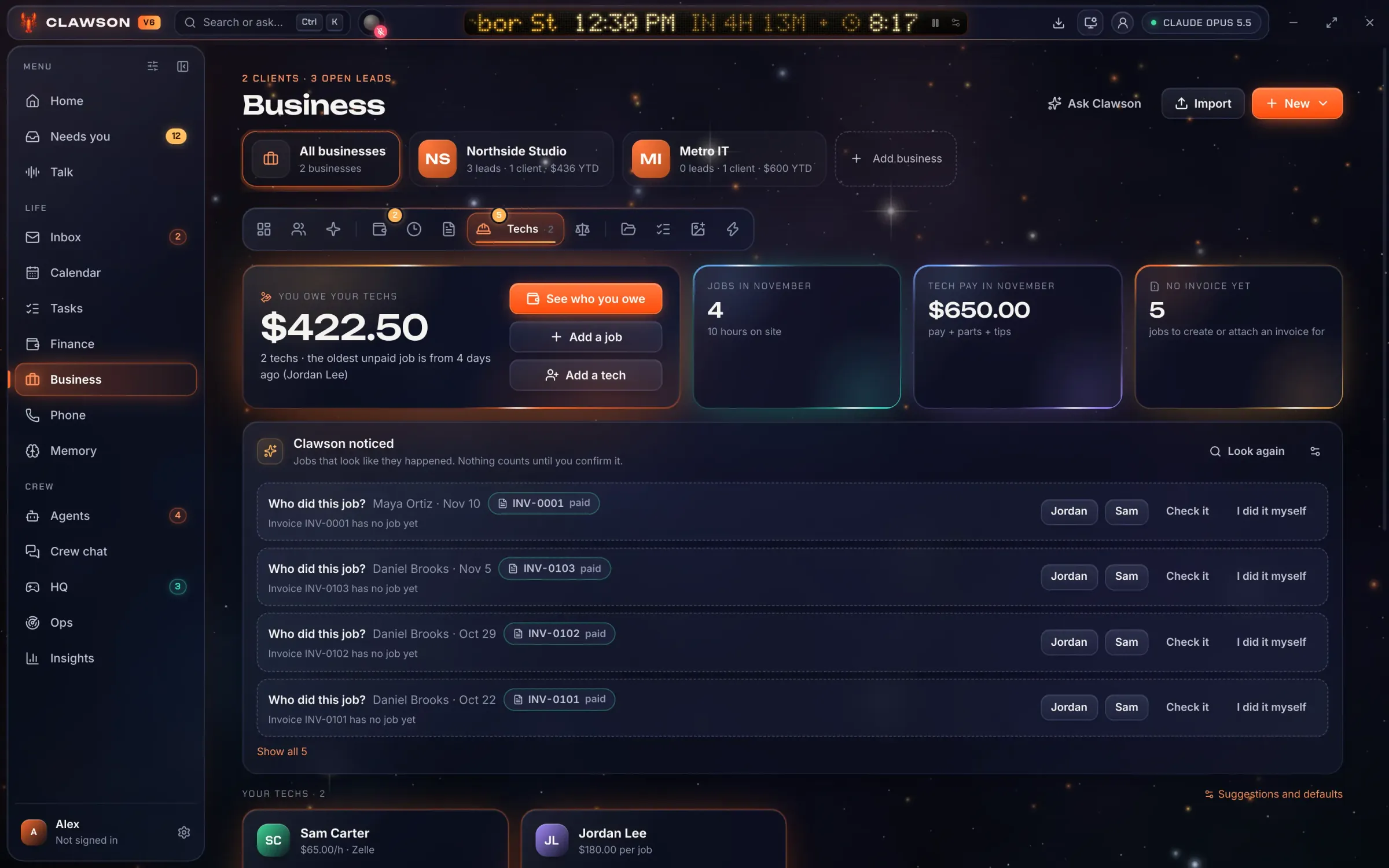
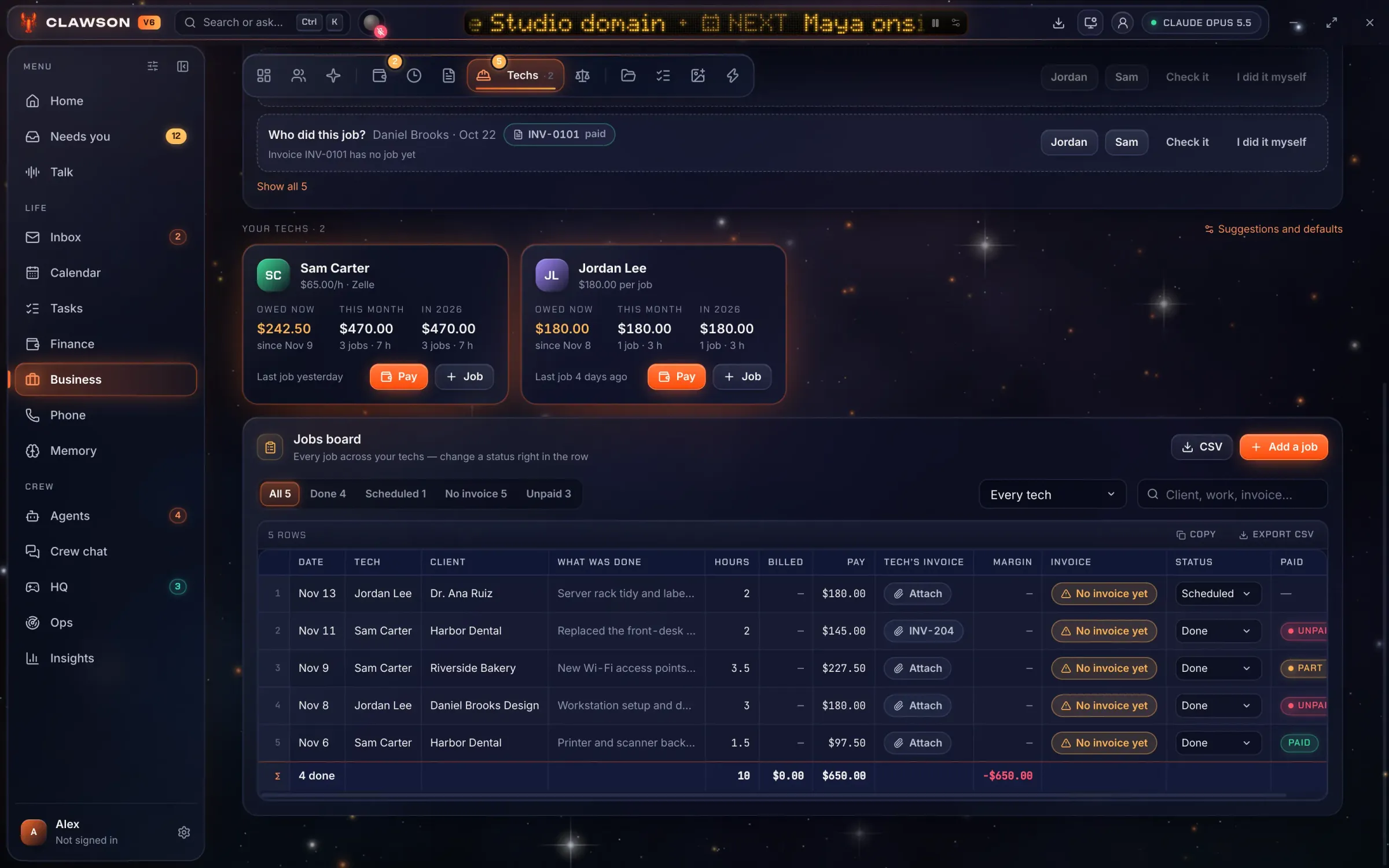
The screens show the real app on a demo profile. Every person and business in them is fictional.
And the rest
For solo owners and very small service businesses: IT support, design studios, trades, consultants. The people who are the whole back office themselves.
Trust and safety
This is how the app behaves today, not a promise for later.
The crew starts on “Only when I ask”. Setup shows the most it could spend before you turn anything on.
Plus a cap per message and an optional daily limit on your own chats. One switch pauses every background AI call.
Clawson watches bills, invoices and budgets. It never moves money.
After an email, a web page or a file, Clawson asks before doing anything those words could have talked it into, and it refuses to read where passwords and keys live.
HQ
HQ is the office the bots live in: a room per department, a lounge, a canteen (they take lunch), a job board, and the Director’s office. That one is yours. They wave at your door when something is waiting for you.
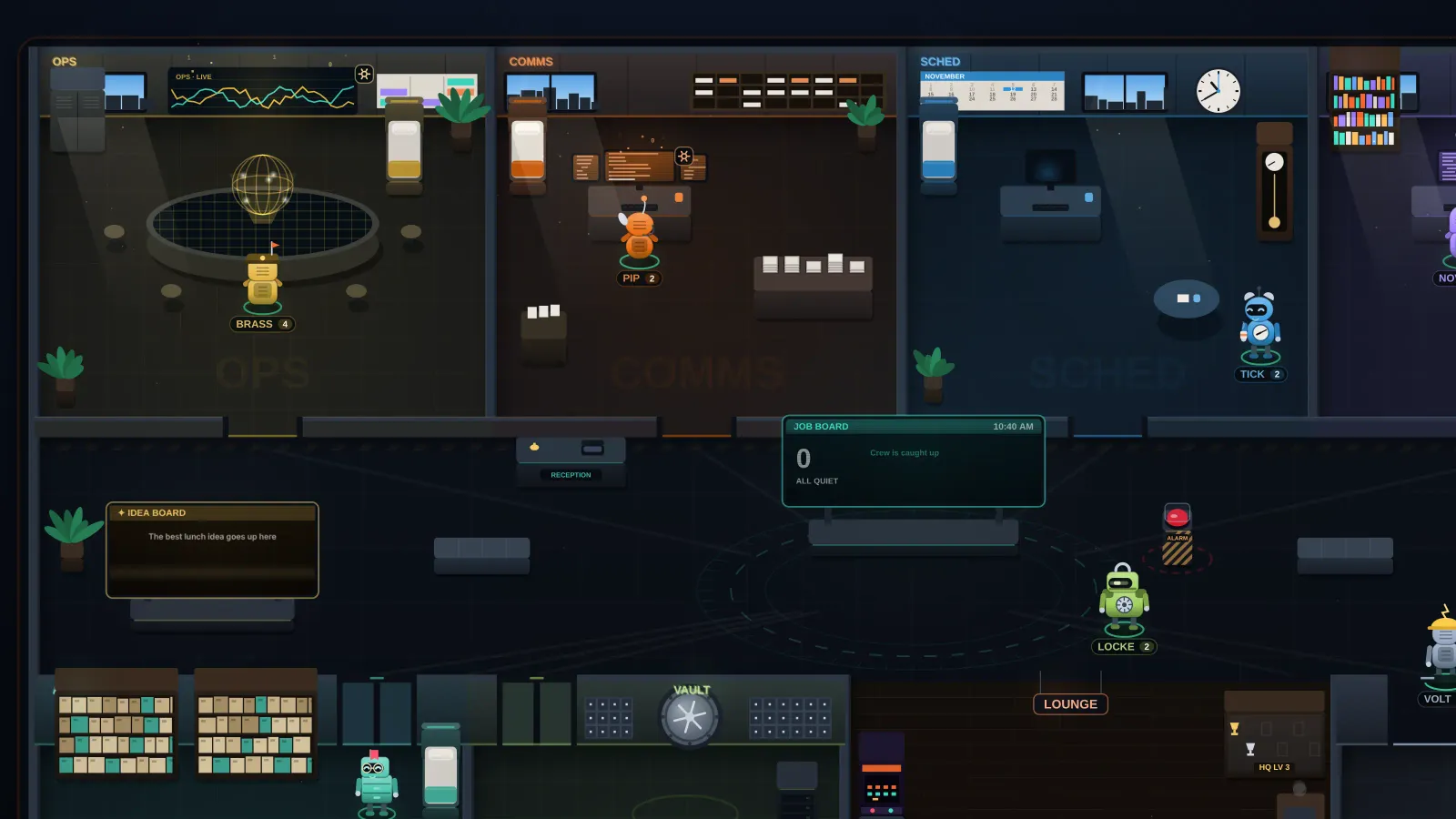 Operations
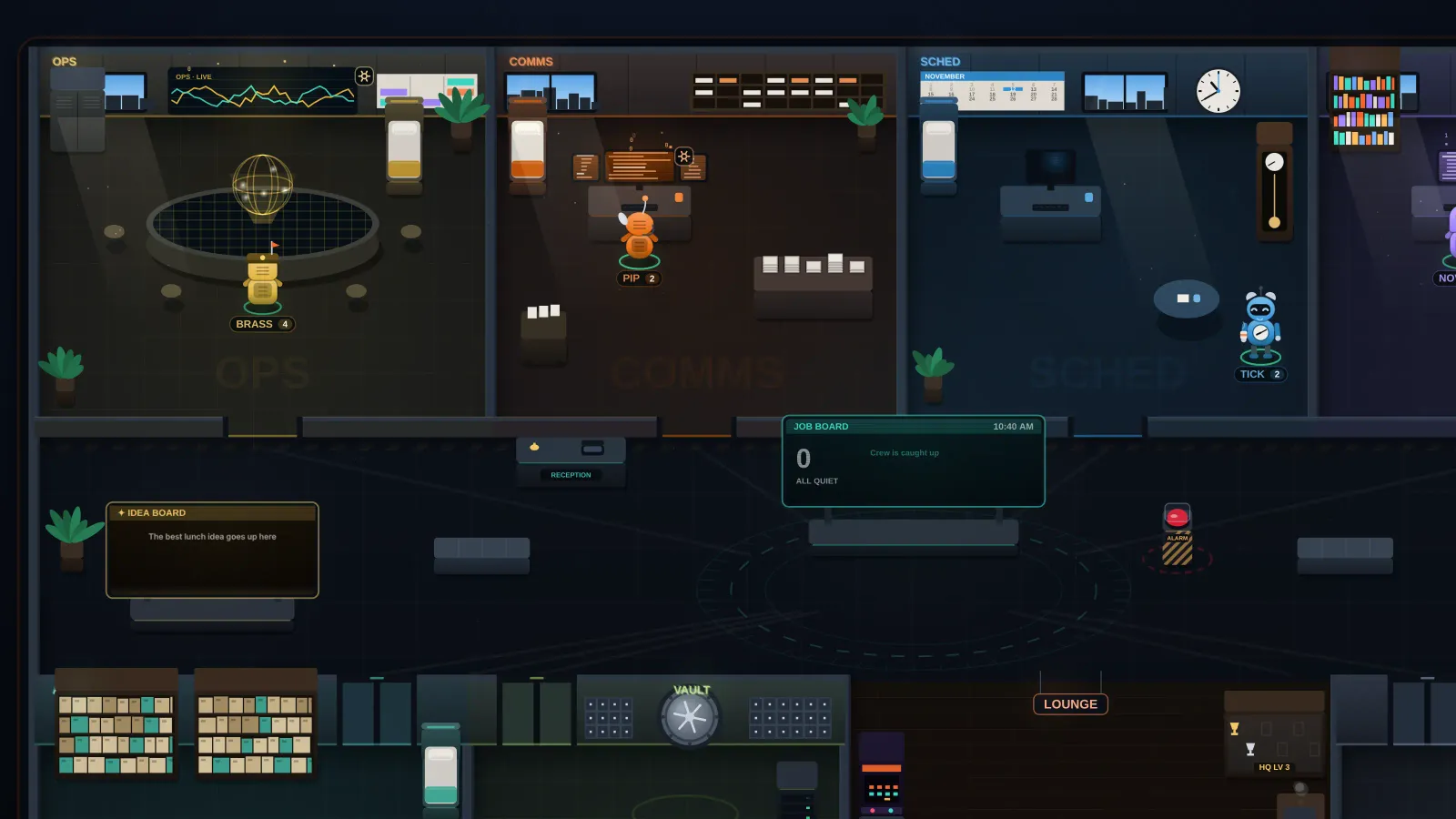 Communications
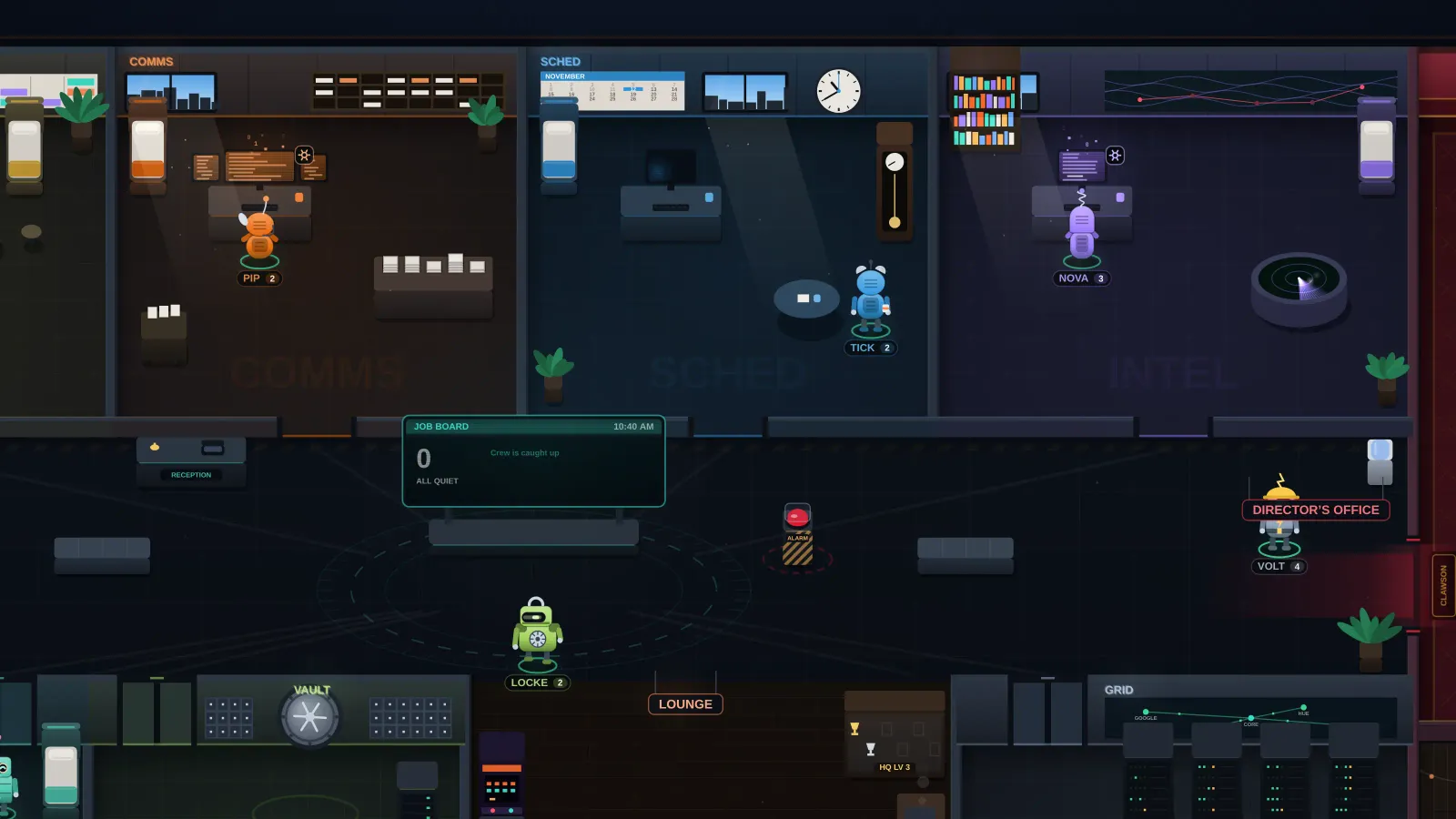 Scheduling
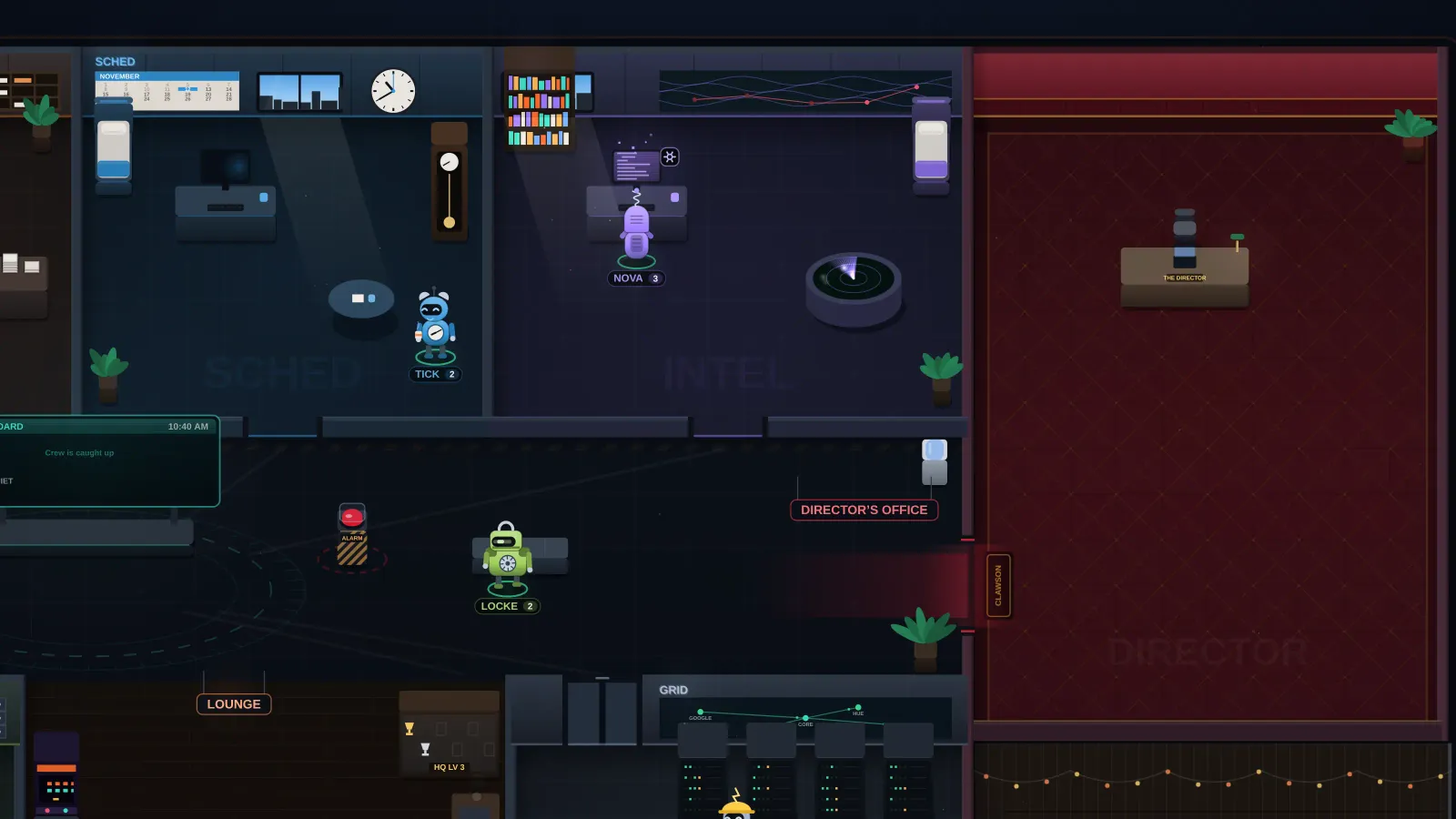 Intelligence
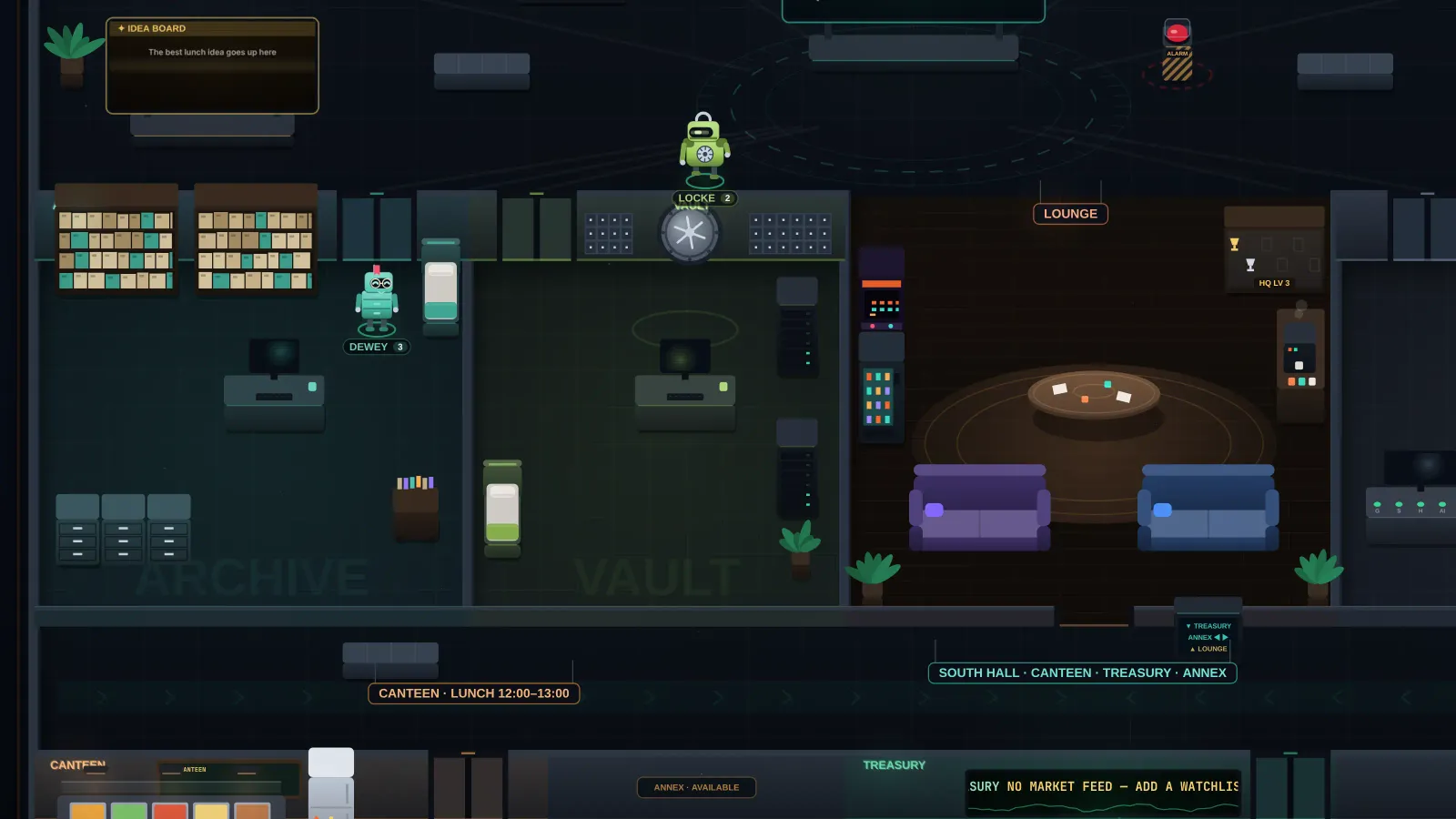 Archives
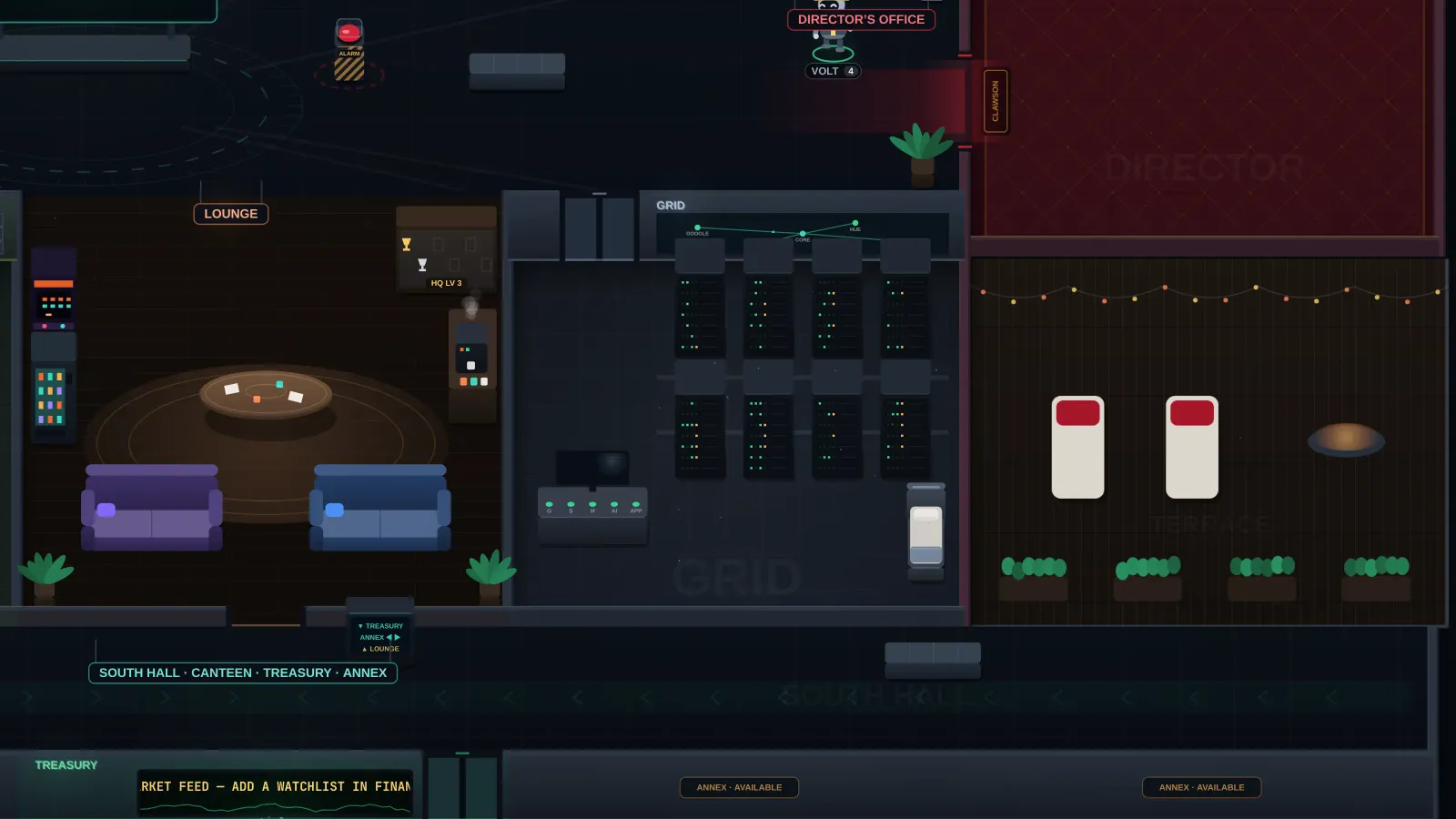 The Grid
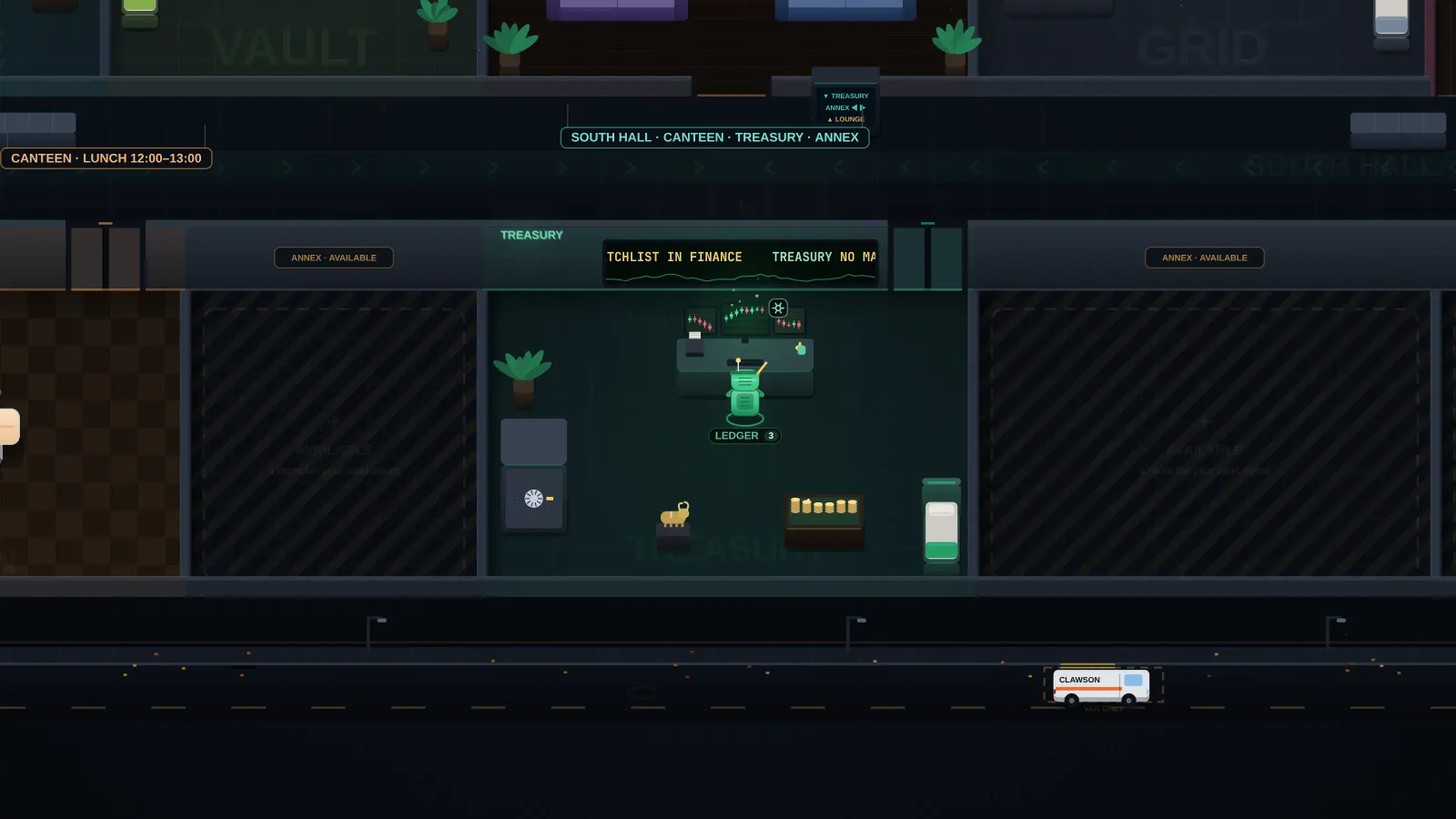 The Treasury
The floor and the bots are drawn by the app’s own code. The scene is staged, with invented speech lines.
The straight version
A desktop app for Windows 10 and 11 and for macOS, on Apple Silicon and Intel. There is no phone app and no web version today.
You bring a key from Anthropic and pay Anthropic directly for what the AI uses. Clawson shows the cost to the cent. A Claude chat subscription isn’t an API key.
Gmail, Outlook, Yahoo and IMAP mail; Google Calendar; a business phone line through Twilio. Connecting Gmail and Google Calendar takes a one-time Google Cloud setup for now.
$0 in the background while the crew is off, up to your daily cap while it’s on, plus your own chats.
Plans
An assistant on your computer, with a crew of eight AI bots that do the busywork. For people who run a small business mostly alone.
Free for 14 days. No card needed.
Every part of the app, free for 14 days. No card needed.
$0for 14 days
Most picked
For one owner running the business mostly alone.
$190a year
$19a month
Two months free
or $190 a year
For more computers, and answers first when you write.
$490a year
$49a month
Two months free
or $490 a year
Clawson’s price + your own AI usage, with a hard daily cap you set. The AI runs on your own Anthropic API key, and Anthropic bills you directly for what it uses; Clawson shows that cost to the cent.
Compare the plans · Terms · Privacy · Clawson is in early access for now: leave your email and we’ll reach out when your spot opens.
Setup by ITGoNYC
We install it, connect your email, calendar and website, and bring your clients in: free with a yearly plan. With a monthly plan it’s $149, one time. It’s done by appointment, with you there to sign in to your own accounts: we never ask for your passwords.
Comes with every plan
Lifeboat is the ZAYS data transfer and recovery app. Deleted it, formatted it, or the drive just stopped showing up? Lifeboat scans what’s left and brings your photos, videos and documents back. It works on your own computer, and nothing gets uploaded.

Early accessFree trial
Clawson is rolling out to early testers. Leave your email and we’ll reach out when your spot opens.
Every part of the app on 2 computers, free for 14 days. No card needed. Your code arrives by email, with the download link and three steps.
Questions
No. A chat box answers questions. Clawson drafts, files, schedules and reconciles, and a crew of eight bots keeps going in the background on a budget you set. Everything that would leave your computer waits for your approval.
A Windows 10 or 11 PC or a Mac, and an Anthropic API key. We show you how to get one. A Claude chat subscription isn’t an API key.
Solo is $19 a month or $190 a year, on 2 computers. Business is $49 a month or $490 a year, on 5 computers, with priority support. Yearly is two months free. Every plan has the whole app, and it’s free for 14 days, no card needed.
You pay Anthropic directly for what you use. Clawson shows the cost to the cent and has a hard daily cap that you set; with the background crew off, it spends nothing unless you ask it something.
On your computer. Sync between your computers is end-to-end encrypted: we can’t read it. Read the privacy policy.
Not unless you switch that on, rule by rule. Emails, texts and invoices wait for your approval by default.
Any time; you keep access until the end of what you paid for. A yearly plan can be refunded in the first 14 days. Read the terms.
Clawson shows the activation screen. Nothing on your computer is deleted or hidden from you.
Not yet. Clawson is desktop only, for Windows and Mac.
Clawson is built for one owner: there are no team roles or shared workspaces. A plan is for you or your one business, on up to 2 computers (Business: 5).
Lifeboat is the ZAYS data transfer and recovery app, and it comes with every Clawson plan. See Lifeboat.